
— Integration Guides —
Scanner Setup
Connect your intraoral scanner to Ambridge Ceramics using the step‑by‑step instructions below. Once connected, digital case submission is seamless.
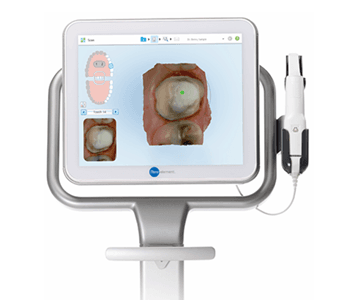
Option 1
- Select "Find a Laboratory" on your iTero scanner
- Connect with Ambridge Ceramics Dental Lab using our Company ID: Ambridge Ceramics
- After connecting to us as a Lab, select "Ambridge Ceramics" on your scanner when sending files
Option 2
- Call iTero Support
- Select Option 1
- Request that Ambridge Ceramics Dental Lab is added to your scanner. Identify our lab using our phone number 01765 607347
- After Ambridge Ceramics has been added, restart your scanner
- After connecting to us as a Lab, select Ambridge Ceramics Dental Lab on your scanner when sending files

Option 1
- Go to https://www.3shape.com/en/services/communicate
- Select "CONNECTIONS"
- Request a connection with Ambridge Ceramics Dental Lab
- Call Ambridge Ceramics on 01765 607347 to let us know you have requested a connection
- After your connection to Ambridge Ceramics is approved, select Ambridge Ceramics Dental Lab when sending files
Option 2
- Send an email to us at info@ambridgeceramics.com
- Or call us to provide our team with your email address, and we can send you an invitation to connect
- Log in to Cerec Connect at www.sirona-connect.com
- Select "My Cerec Connect," then "Edit Account"
- Under "My Account," select "My Favorite Laboratories"
- Type "Ambridge Ceramics" in the field for "Company Name," then "HG4 2BP" for Post Code
- Click "FIND"
- Check the box that says "Ambridge Ceramics Dental Lab"
- Click "ADD" to complete the registration
- When sending a case, add "Send to Ambridge Ceramics Dental Lab" in the notes.
Option 1
- Email Ambridge Ceramics at info@ambridgeceramics.com
Option 2
- Visit Carestream Connect on your scanner
- Search for Ambridge Ceramics
- Add Ambridge Ceramics
- Select Ambridge Ceramics when submitting scans or raw .STL files
- Email Ambridge Ceramics at info@ambridgeceramics.com
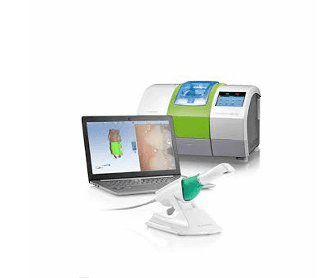
- Select "Find a Lab" option on your scanner
- Search for Ambridge Ceramics
- Add Ambridge Ceramics
- Select Ambridge Ceramics as your dental lab when submitting scans
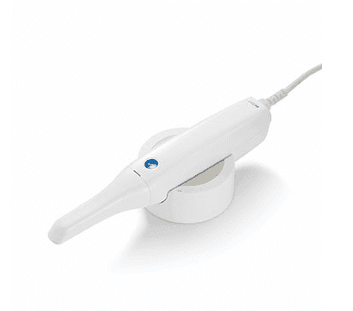
- Log into www.meditlink.com with the administrator account
- Go to "Partners" on the left panel
- Search for "Ambridge Ceramics" and click the "Request Partnership" button
- You'll see that the lab has been added to the "My Partner List" with the status reflected as "Partnership Pending"
ANY ISSUES PLEASE CONTACT US ON 01765 607347